Top Performance Review Apps for Microsoft Teams with Built-in Goal Tracking
Goal-setting fails when it lives in a silo. These performance review tools for Microsoft Teams integrate OKRs and reviews directly into your chat, meetings, and 1:1s.

If your OKRs aren't in Microsoft Teams, they are basically invisible. You might have the best strategic goals in the world, but they don't mean much if they only live in a forgotten spreadsheet. Finding the right performance review software for Microsoft Teams with goals is the easiest way to keep your team on track without adding more work.
Executives are 6 times more likely than employees to think their performance systems are keeping up with modern work. This gap happens because leadership sees the big strategy, while employees just see another login they have to manage.
Jumping between different apps kills productivity. When you force a team to leave their main workspace just to update a progress bar, they usually just won't do it.
Bottom Line Up Front: Best Picks for 2026
Most high-performance cultures in 2026 have one thing in common: they don't separate goals from daily chat. Having a tool that works right inside your apps is a necessity for teams that want to turn strategy into real results.
Teamflect: The best choice for teams that live in Microsoft 365.
Automation: Use cards to stop checking in on goals by hand.
AI Standards: You now need bias detection for fair review cycles.
Note: Look for apps that use single-sign-on (SSO) through Entra ID to cut down on login issues and security risks.
Why Integrate Performance Reviews Directly into Microsoft Teams?
To keep goals moving between big review cycles, you need a system that stays where the work happens. When you put reviews into Teams, you can cut down on boring admin work by 90% compared to tracking things manually.
This setup lets managers pull up live progress bars during a video call or a quick chat. It makes sure the annual review is just a summary of things you've already talked about, not a scary surprise.
Here is a walkthrough of the main steps:
To start, you just need a Microsoft 365 license and an admin who can turn on third-party apps. Once it's set up, you can connect your strategy to your daily work and leave static spreadsheets behind.
Live Updates: Sync progress right from your Teams chat.
Native Feel: You don't need new tabs or extra browser windows.
Fairness: AI tools now help check your grammar and look for hidden bias.
1. Teamflect: The All-in-One Native Powerhouse
Teamflect is the standard for managing performance inside Microsoft. It doesn't just link to Teams. It lives inside the interface so you get a smooth experience without having to switch apps.
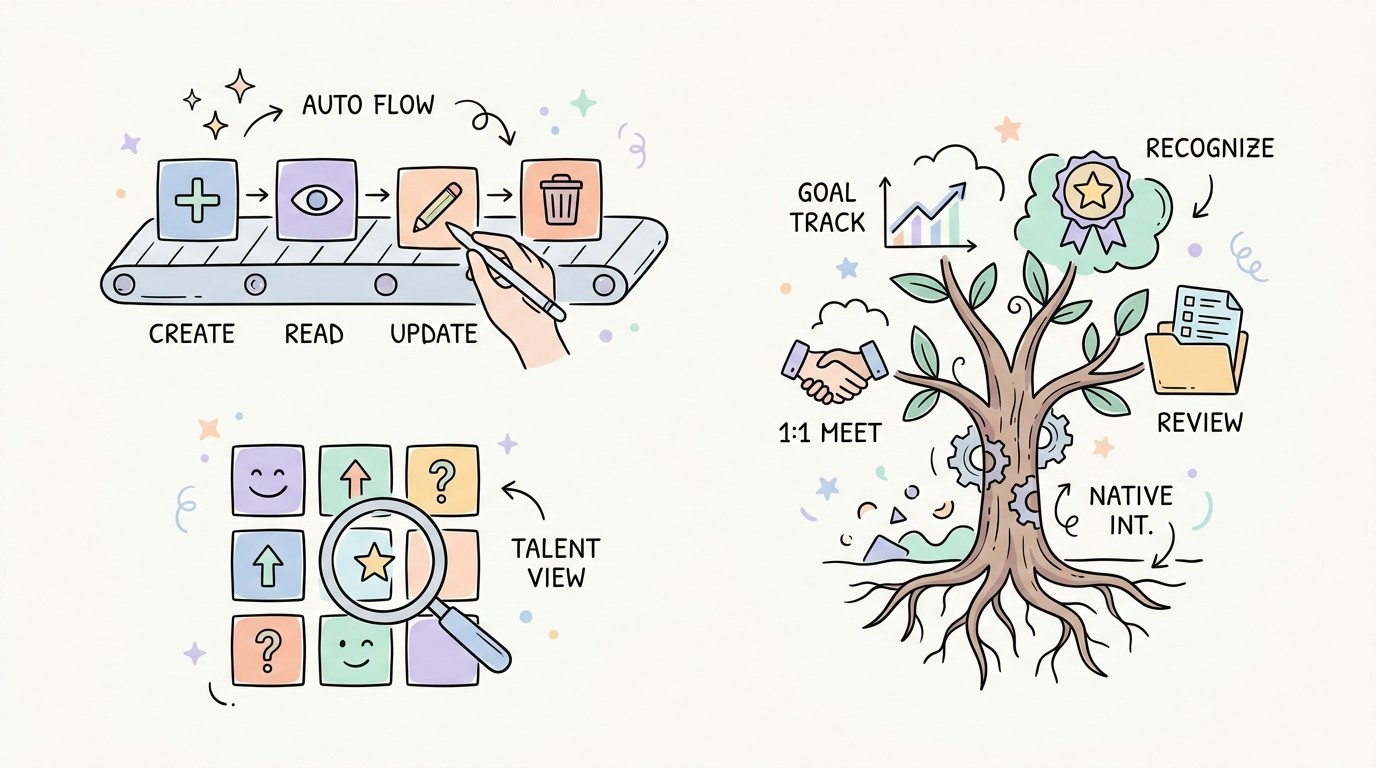
Core Features: Includes a 9-box talent grid, 360-degree feedback, and AI help for writing reviews.
Goal Management: The Teamflect Goal Module handles OKRs and SMART goals with automatic check-ins.
Implementation: Get the app from the Teams App Store and connect your Entra ID departments to the org chart.
Verdict: This is the top choice for companies that are fully committed to Microsoft 365.
Note: If a tool makes you log in outside of M365, it isn't truly native and people probably won't use it as much.
2. Profit.co: Enterprise-Grade Strategic Alignment
Profit.co focuses on big strategy and complex OKR setups. It is built for large companies that need to track hundreds of metrics across many different departments at the same time.
Core Features: You get very flexible dashboards and a side-panel for Teams meetings.
Goal Management: It supports waterfall OKRs where big goals trickle down to every employee.
Implementation: Use the built-in connectors to link your data to your goal dashboards.
Verdict: Pick this if your company has a complicated structure and needs deep data charts.
3. Lattice: The Holistic People Management Suite
Lattice is a full people management tool that connects performance, growth, and pay. It uses Teams mostly for alerts and pings to send users back to its own web platform.
Core Features: A strong focus on how performance leads to raises and salary changes.
Goal Management: Shows how individual work fits into the bigger company mission.
Implementation: Set up the Teams bot to send goal reminders and feedback prompts to your channels.
Verdict: Best for HR teams that want a high-end platform and don't mind a notification-heavy style.
You can find more details on their various tiers on the Lattice Pricing page.
4. Perform365: Built Specifically for the M365 Ecosystem
Perform365 was made specifically for Microsoft, so users never have to leave Outlook or Teams. It uses AI to suggest goals and map out skills based on what you do every week.
Core Features: Auto-trend analysis helps managers spot burnout before it becomes a real problem.
Goal Management: It pushes for weekly check-ins that update your bigger performance goals automatically.
Implementation: Sync your M365 groups to create reporting lines inside the tool.
Verdict: A great choice for teams that want AI to handle the hard parts of tracking skills.
5. PeopleGoal: Flexible Workflows and Custom App Engine
PeopleGoal is a very flexible platform that uses a drag-and-drop builder for custom review cycles. It works well for teams that have unique reporting structures that don't fit a standard hierarchy.
Core Features: Highly flexible workflows that let you build your own performance apps from scratch.
Goal Management: Supports goal types that you can change as project needs shift.
Implementation: Pick a template from their library and change the words to match how your company talks.
Verdict: The most affordable and flexible choice for growing companies with unique internal rules.
6. 15Five: Manager-Led Continuous Performance
15Five is built on the idea that better managers lead to better performance. It uses check-in nudges inside Teams to keep feedback happening every single week.
Core Features: Includes an AI assistant that summarizes months of feedback into points you can actually use.
Goal Management: Focuses on public praise and recognition alongside tracking objectives.
Implementation: Set up the 15Five bot in Teams to send weekly check-in questions to staff.
Verdict: Ideal for companies that want to improve the bond between managers and employees through regular talk.
Comparison Table: Features, Pricing, and Integration Depth
Choosing the right tool depends on your budget and how deeply you want to embed the software into your daily Microsoft workflow.
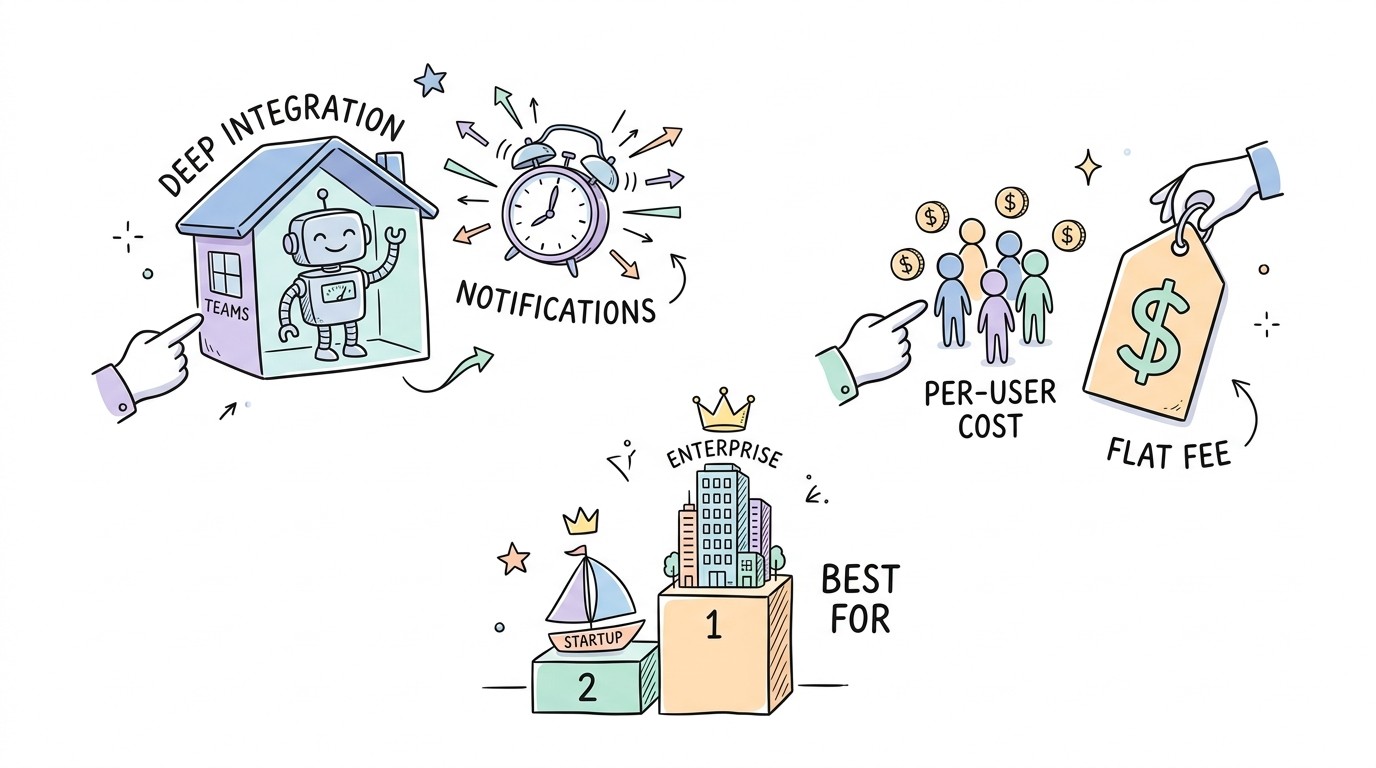
Tool | Best For | Price | Pros |
|---|---|---|---|
Teamflect | M365 Power Users | Free to $5/user | Fully native; 9-box grid; AI writing |
Profit.co | Enterprise OKRs | Custom Pricing | 400+ KPIs; waterfall alignment |
Lattice | HR Suites | From $11/user | Compensation sync; beautiful UI |
Perform365 | AI Insights | Custom Pricing | Skill mapping; native M365 feel |
PeopleGoal | Custom Workflows | From $4/user | Modular app builder; affordable |
15Five | Manager Growth | From $4/user | Positive psychology; AI summaries |
How to Choose the Right Teams-Based Performance Tool
Picking a tool is about more than a list of features. It is about making sure your team actually uses it. Whether people use the software is the only metric that really matters.
If your team is tired of using too many apps, pick a fully embedded one like Teamflect.
If you are moving away from Microsoft Viva Goals, look for tools with easy migration steps.
If you need to link reviews directly to pay, prioritize a suite like Lattice.
If you have a tight budget, look for flat-fee pricing or tools that start around $4 per user.
Implementation Checklist
Check that your Microsoft 365 admin turned on permissions for third-party apps.
Pick your goal style (OKRs or SMART) before you move your data over.
Make sure your Entra ID (Azure AD) is current so users load correctly.
Start with one department as a pilot group to test the Teams integration.
Check that goal progress flows automatically into the final review form.
Moving Performance from Yearly Ritual to Daily Habit
Goals have to stay where the work is happening to stay useful in a fast-paced office. Moving from a once-a-year meeting to a daily habit is the only way to keep people engaged.
With global engagement around 21%, the right system is a competitive must-have. Use these tools to let AI help with fair reviews and keep your goals right in front of everyone.
Start by installing a top-rated app from the Teams App Store today. Your strategy depends on it.
Frequently Asked Questions
Does Microsoft Teams have a built-in performance review tool?
No. Teams does not have a full performance review tool built-in. It has Viva Goals for OKRs, but for full reviews, 360 feedback, and skill mapping, you need a third-party app from the store.
What is the best performance review app for Microsoft Teams?
Teamflect is often called the best choice because it was built specifically for Microsoft. It is fully embedded, so you never have to leave Teams to finish a review.
Can you track goals inside a Teams meeting?
Yes. Apps like Profit.co and Teamflect have side-panel tools for live meetings. This lets you update goals or OKRs without closing your video call.
Is there ROI in implementing OKR frameworks?
Yes. Research shows that good OKR setups can give a return of 1:25. By matching individual work to company strategy, businesses waste fewer resources and move much faster.